The organisation’s general settings are three fields: the name, the time zone and the currency. The time zone decides which day the product treats as today in the schedule, when to send reminders and when request deadlines run out. The currency defines what the rates and amounts in the “Payroll” section are shown in. The interface language is set separately for each person, not for the organisation.
The organisation settings can be changed by the owner and co-owners.
Where to find it
“Settings” → the “General” tab with the caption “Basic information about your organisation”. Below are the “Owner and co-owners”, “Account” and “Onboarding hints” blocks. At the bottom of the page is the panel version, for example “v2.388.1”.
Language: the globe icon in the top right corner of the panel.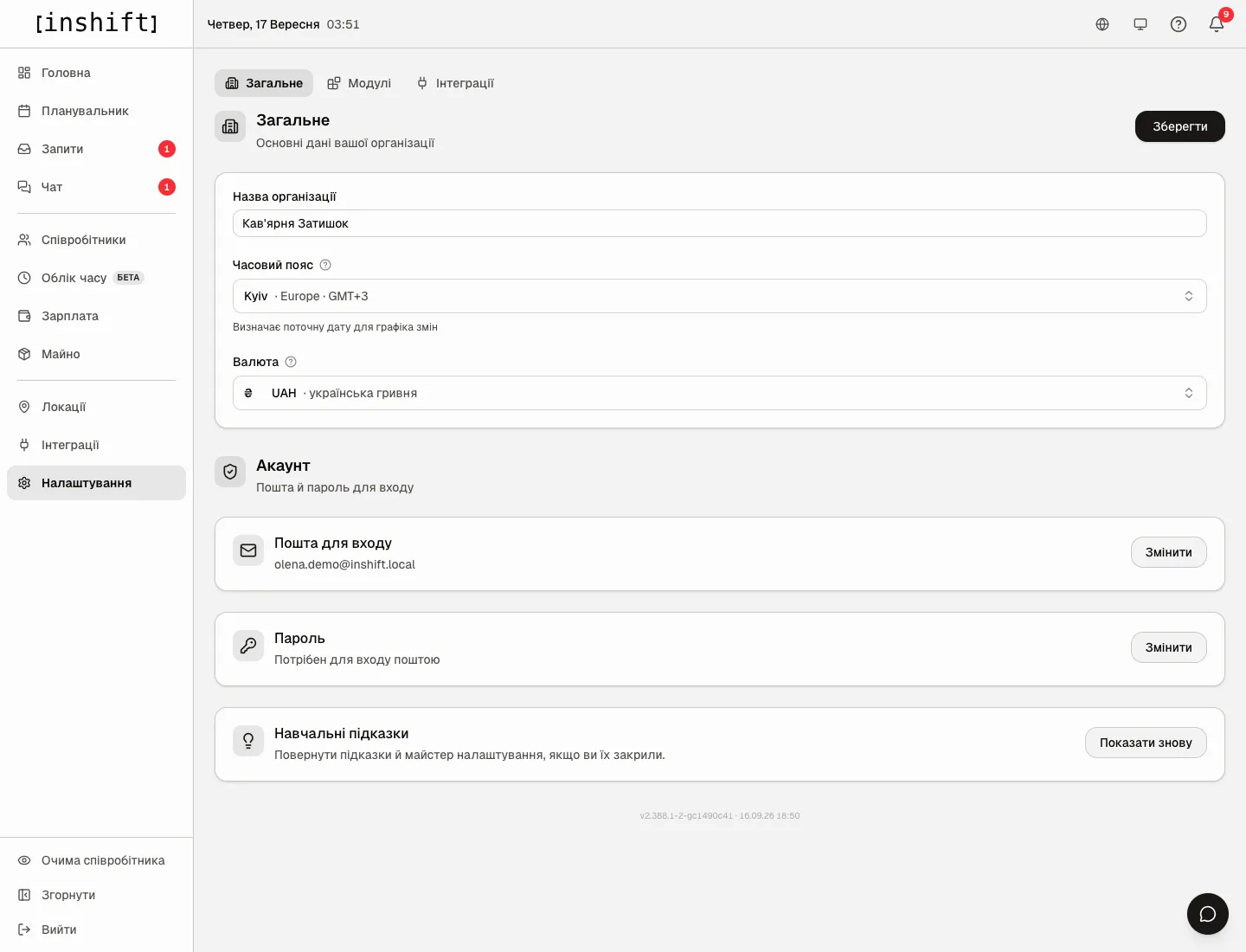
Step by step: change the name, time zone or currency
- Open “Settings” → “General”.
- “Organisation name”: this is what the organisation is called in the team’s app, in invitations and emails.
- “Timezone”: click the field and find the city in “Search city or zone…”, for example “London · Europe · GMT+1”. The hint under the field: “Determines the current date for the rota”, and the question mark explains in more detail: “Sets what counts as “today” in the rota, reminder timing and request deadlines. Pick the timezone where the team actually works.” One zone for the whole organisation, including locations in different cities.
- “Currency”: a field with the search “Search currency…”, for example “GBP · British Pound”. The hint: “The currency used to display rates and payouts in the Payroll section.” It is only a label next to the numbers: amounts are not converted.
- Click “Save” at the top right.
Language
The panel and the app are available in Ukrainian, English and Russian. The language is tied to the person, not to the organisation: the manager can work in English and the team in Ukrainian.
In the panel: the globe icon in the top right corner → “Українська”, “English”, “Русский”. The choice is remembered for your account and applies on all devices where you sign in.
In the team’s app everyone chooses the language themselves in the app settings. Notifications arrive in the language of the person who receives them.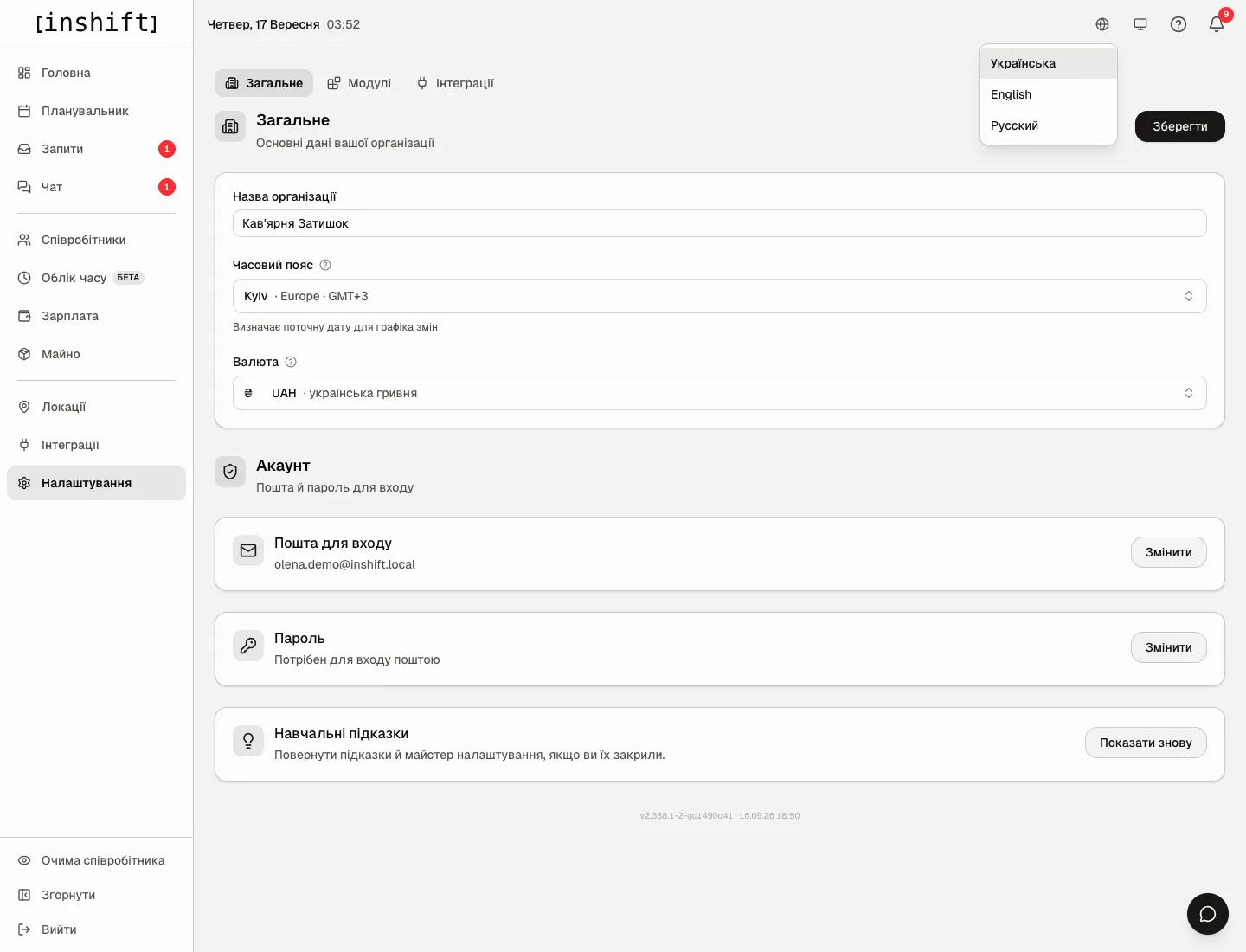
The names of locations, positions, shift types and roles are not translated: the team sees them just as you named them.
Onboarding hints
The “Onboarding hints” block with the caption “Bring back the hints and the setup guide if you dismissed them.” The “Show again” button returns the hints to the dashboard: “Hints restored on the dashboard”. This is for when you dismissed the first-steps guide and now want to go through it with a new manager.
Why an action is unavailable
There is no “General” tab or the fields are inactive: the organisation settings are changed only by the owner and co-owners. Everyone has the “Settings” tab, because the “Account” block for your own email and password lives there.
You changed the time zone, but the schedule shows yesterday: refresh the page. The zone affects which date counts as today, the shifts in the schedule themselves do not move.
You changed the currency, but the amounts are the same: the currency does not convert rates, it is only a label. Change rates under “Payroll” → “Pay”.
“Русский” or “English” is not visible in a person’s app: everyone chooses the app language themselves in the app settings, see Profile, language, security.
Questions and answers
Can different locations have different time zones?
No, there is one zone per organisation. If the locations are in different zones, choose the zone where most of the team works, and remember that reminders are counted from it.
What happens to old amounts when the currency changes?
Nothing: the numbers stay the same, only the label next to them changes.
Does the team see the organisation name?
Yes: in the app on the join screen and in invitations.
Where do I change the owner’s email and password?
On this same tab in the “Account” block, see Account: login email and password.