The “Team” screen in the app shows your colleagues: who works at which site, with which position, and each person's card with a “Message” button. Who exactly is visible is decided by your role: usually the people of your own location. Colleagues' birthdays are shown on “Home” on the day, if the manager has enabled that.
A regular employee cannot change colleagues' cards: the manager does that.
Where to find it
“More” → “Team”. At the top are “Search…” and a filter by site: “All”, “Cosy Corner on Pechersk”, “Cosy Corner on Podil”. People are grouped by role, for example “Employee 6” and “Director 1”; tap a group's heading to expand the list.
A colleague's card also opens from the chat: in a conversation, “Profile” → “Full profile”, and from the schedule: tap the colleague's name in the day's list.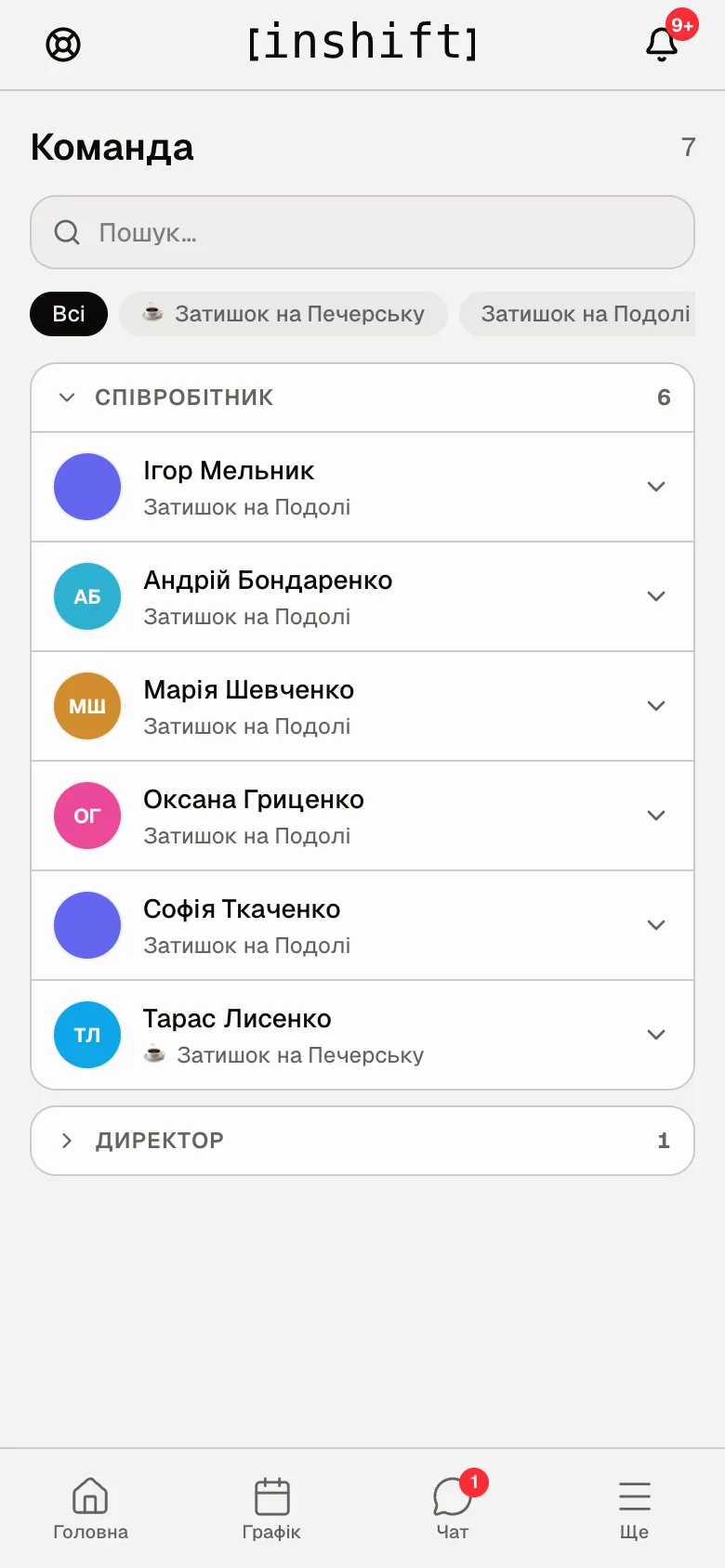
A colleague's card
Photo, name, the “Message” button that opens a conversation in chat. Below are “Position”, “Access”, “Primary location”, “With the team since”, “Tenure”. The “Contacts & personal” block shows what the colleague has filled in on their profile: email, phone, date of birth, gender.
The “Request swap” button at the bottom opens your cover request with this colleague, article Ask a colleague to cover a shift. A trainee colleague’s card has no such button: trainees don’t take other people’s shifts.
The colleague's pay, holiday and property are not in the card: only the manager sees those.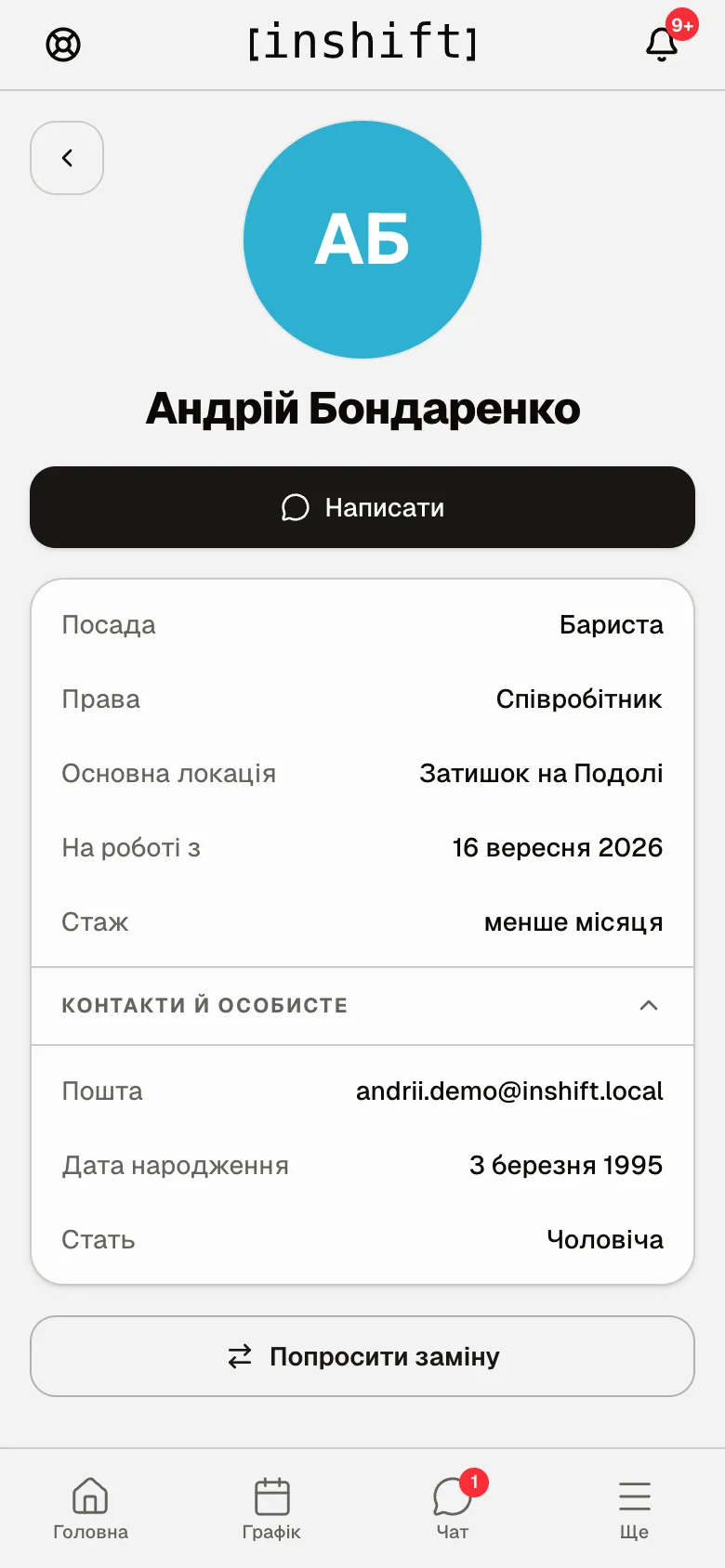
Birthdays
If “Team birthdays” is enabled in the organisation, a greeting appears on “Home” on a colleague's birthday: who is celebrating, without the age. Your own birthday you always see.
For colleagues to see yours, fill in “Date of birth” in your profile: “More” → your name → “Contacts & personal”, article Profile, language, security.
Why an action is unavailable
No “Team” item in “More”: “View team” in your role is set to “None”.
A colleague is not in the list: they are from another site and your role sees only your own locations, or they have been dismissed.
A colleague without the “Message” button: they have not connected the app yet, “Not in the app yet”.
No birthday greeting on “Home”: the manager has turned the display off, or the colleague's date is not filled in.
Cannot change a colleague's position or location: cards are kept by the manager in the panel or in the app with their own rights.
Questions and answers
Do I see a colleague's schedule?
On the “Rota” tab you see the colleagues of your location on the same day, unless your role limits that to “Own”. There is no separate colleague's schedule in the card.
Do colleagues see my phone?
Yes, if you have filled it in on your profile: the “Contacts & personal” block in your card is visible to colleagues who have the team open to them.
How do I find a person from another site?
Pick their site in the filter or type the name in “Search…”. If your role sees only your own location, people from other sites are not in the list.
Is there a list of all birthdays in the app?
For an employee there is no separate list: the greeting is shown on the day on “Home”. A manager with panel access sees the list on their own “Home” in the “Birthdays” row, and the full events calendar in the panel.