Holiday, sick leave or just a day off is requested in the app: you pick the type and the dates and send it. Your manager sees the request in their panel, approves or rejects it, and you get a notification with the decision.
A time off request does not remove shifts from the schedule by itself: if you have already been put on those days, the manager moves the shifts when they approve the request. So apply in advance.
Where to find it
“More” → “Requests” → the “New” button. Or the “Day off” button on the “Home” tab: it opens the form straight away.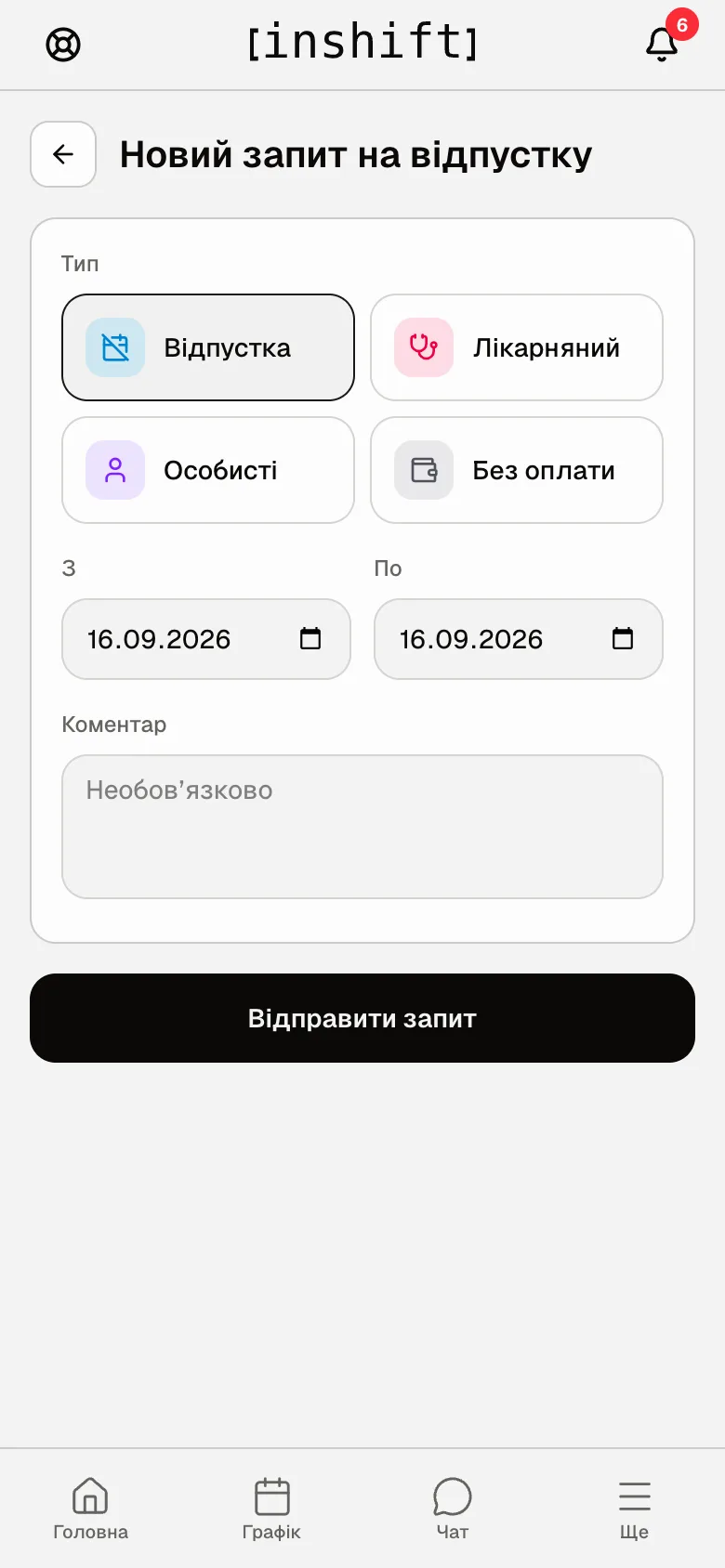
Step by step
- Open “Requests” and tap “New”.
- In the “Type” block choose what it is: “Holiday”, “Sick leave”, “Personal” or “Unpaid”. The type affects how your manager counts it, so choose honestly.
- In the “From” and “To” fields set the first and the last day. For a single day both dates are the same.
- In “Note” explain the reason if you like: it is easier for the manager to decide. The field is optional.
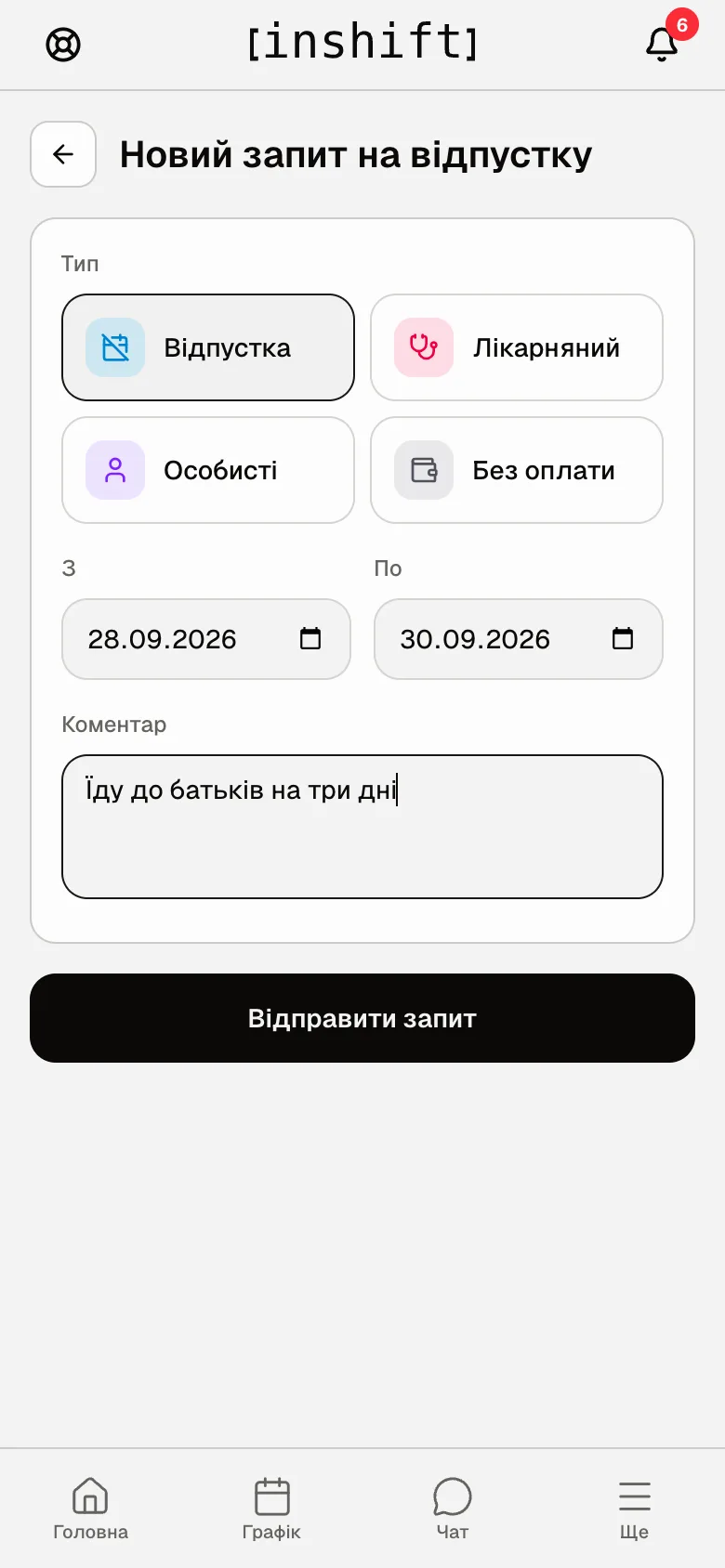
The completed form: “Holiday”, 28.09.2026 to 30.09.2026, a note - Tap “Submit request”. The request appears in the “Time off” list with the “Pending” label and a “Cancel” button.
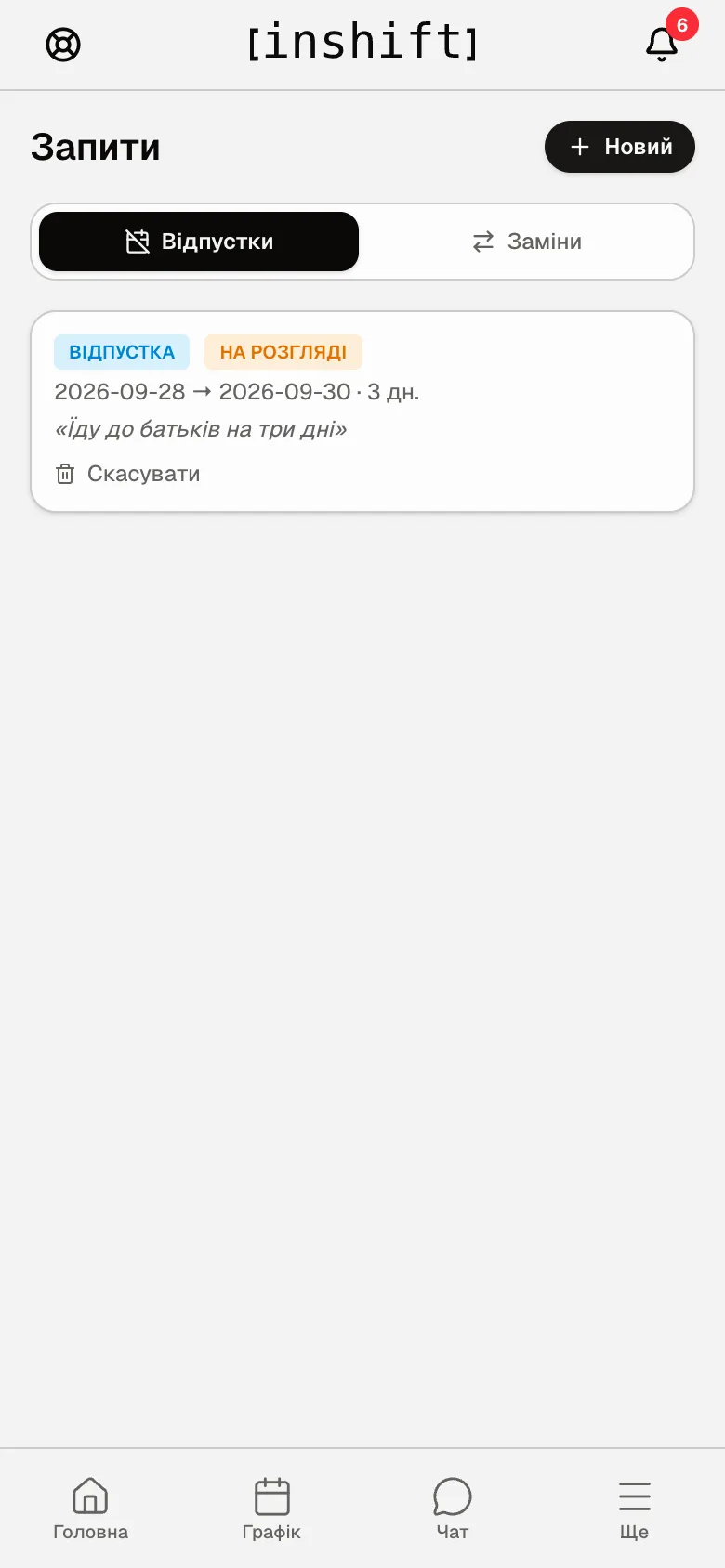
The request in the list: dates, number of days, note and the “Cancel” button - Wait for the decision. A notification comes, “Time off request approved” or “rejected”, and on “Home”, in the “Needs attention” block, you see “Request approved” or “Request rejected”. In the list the request carries the “Approved” or “Rejected” label.
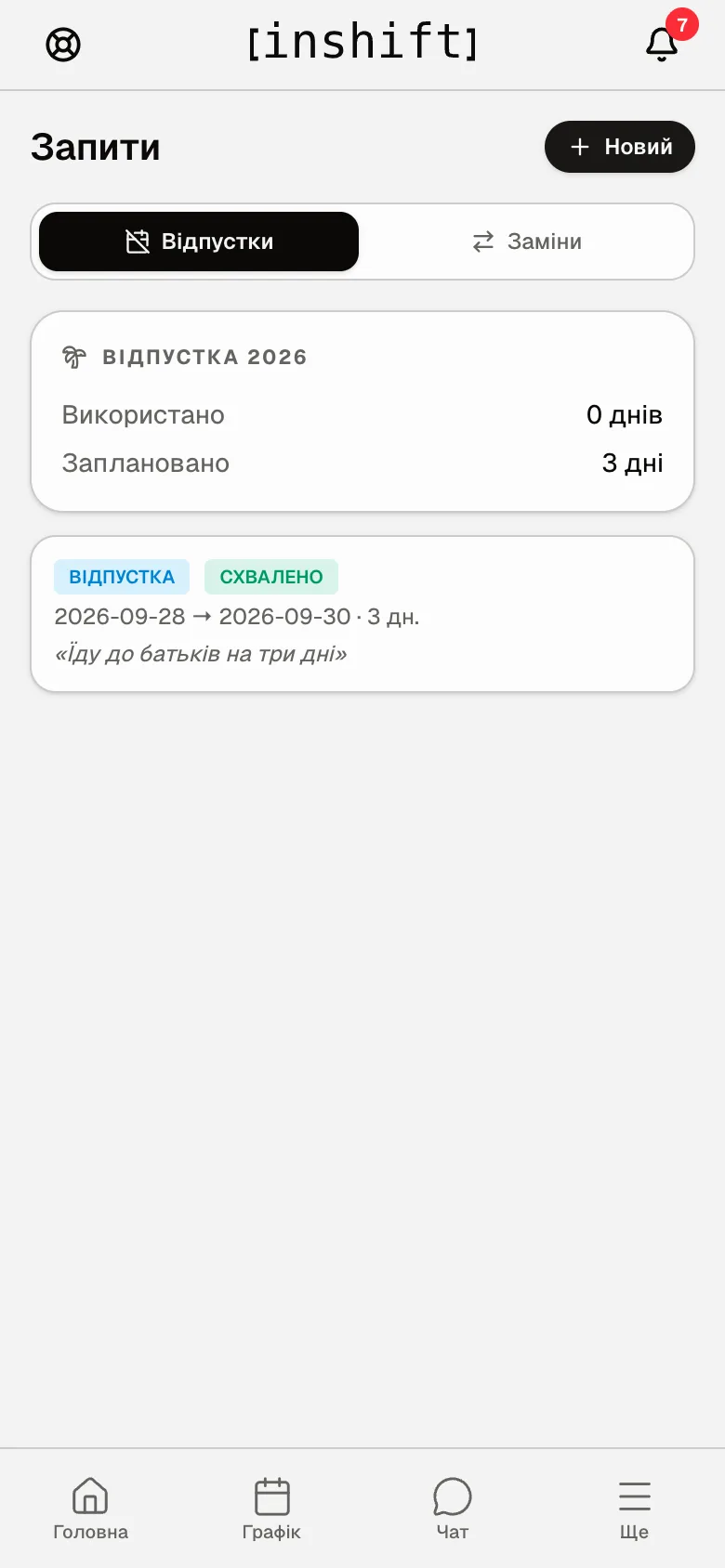
The request approved: the “Approved” label and the “Holiday 2026” card with the days left
Holiday balance
If the organisation has a holiday allowance set, there is a “Holiday 2026” card above the list: “Used”, “Planned” and “Left” in days. When a request exceeds the balance, the form warns you: “Over the balance by”. You can still send it; the manager decides.
Why an action is unavailable
No “New” button but the message “All request types are turned off”: your manager has turned off time off requests in the organisation. Arrange it with them directly.
“Pick dates”: the “From” or “To” field is empty.
“End date is before start date”: swap the dates around.
The request is “Approved” at once without the manager's decision: the organisation uses the “Automatic” rule, and requests are approved by themselves.
Cannot cancel: only a “Pending” request can be cancelled. An approved one is cancelled by the manager.
Questions and answers
Will my colleagues see my holiday?
No. The manager sees the request in “Requests”, and in the manager's app the day screen lists who is not coming in. The schedule grid does not mark holidays: the manager removes the shifts on those days themselves. The type and the note are seen only by them.
Can I apply retroactively, for example for yesterday's sick day?
Yes, dates in the past are allowed. The manager decides how to account for it.
My manager says they did not see the request.
Check in “Requests” → “Time off” that it is there and has the “Pending” label. The manager sees it in the admin panel in the “Requests” section.